Most advice about your first hire is about training. Show them how to load the van, how to talk to customers, how to do the job the way you do it.
Nobody tells you about the other thing that happens on day one: they can see what every job is worth.
Every quote. Every margin. Every customer's payment history. Handed over before they've earned a shred of trust, usually because the booking software you're using doesn't know the difference between "staff" and "owner."
That's not a training problem. It's an access problem, and it's one most home service owners only think about after something's already gone wrong.
What actually goes wrong when a new hire gets full access on day one
Say you run a three-person cleaning crew. You hire your first employee to help with bookings and take some jobs off your plate. Within a week they've seen every quote you've sent, every price you've negotiated, and every customer who's ever haggled you down.
None of that is malicious. It's just what the software shows them, because most job management tools weren't built with more than one access level in mind.
The risk shows up later. A staff member who leaves on bad terms, or gets poached by a competitor who wants to undercut you, already knows exactly what to undercut. A large-scale survey by data security firm Biscom found that most employees who leave a job take data they created with them, and a meaningful share take customer contact lists specifically — not because they're dishonest, but because they don't see it as theft. It's just information they had.
The three things a first hire almost never needs to see
Before you can fix this, it helps to be specific about what "too much access" actually means in a home service business. For a first hire, three things usually don't need to be visible:
What you charge. Your pricing reflects years of trial and error — what the market will bear, what your margins actually look like once fuel and product costs are in, what you quietly discount for loyal customers. None of that needs to be visible to someone three weeks into the job.
What a job is actually worth to you. Revenue per job, profit per client, which customers are worth chasing and which aren't. This is strategy, not day-to-day operations.
The ability to change an invoice. Even well-meaning staff shouldn't be able to adjust a price on their own judgement. That decision belongs with you, or with someone you've explicitly trusted with it.
What they do need, and when to widen access
None of this means keeping a new hire in the dark. It means being deliberate about the order things happen in.
Day one, they need: their schedule, the job details for what they're doing today, the customer's address and any notes about the property, and a way to mark a job complete.
That's it. It's enough to do the work well and represent your business properly, without exposing anything that took you years to figure out.
As they prove themselves — showing up reliably, handling customers well, not needing to be micromanaged — you widen the circle. Maybe after three months they can see historical job notes so they can spot repeat issues. Maybe after six, they're trusted with adjusting a price at job completion because you've seen how they handle edge cases.
The point isn't to withhold forever. It's to stop treating "day one" and "trusted senior staff" as the same access level, because right now, in a lot of systems, they are.
Setting this up without slowing down day-to-day bookings
The instinct here is to think this means more admin — more logins to manage, more settings to remember, more friction every time you bring someone new on.
It doesn't have to. The fix isn't a complicated permissions system you configure job by job. It's a small number of roles, set once, that determine what a staff member sees the moment you add them.
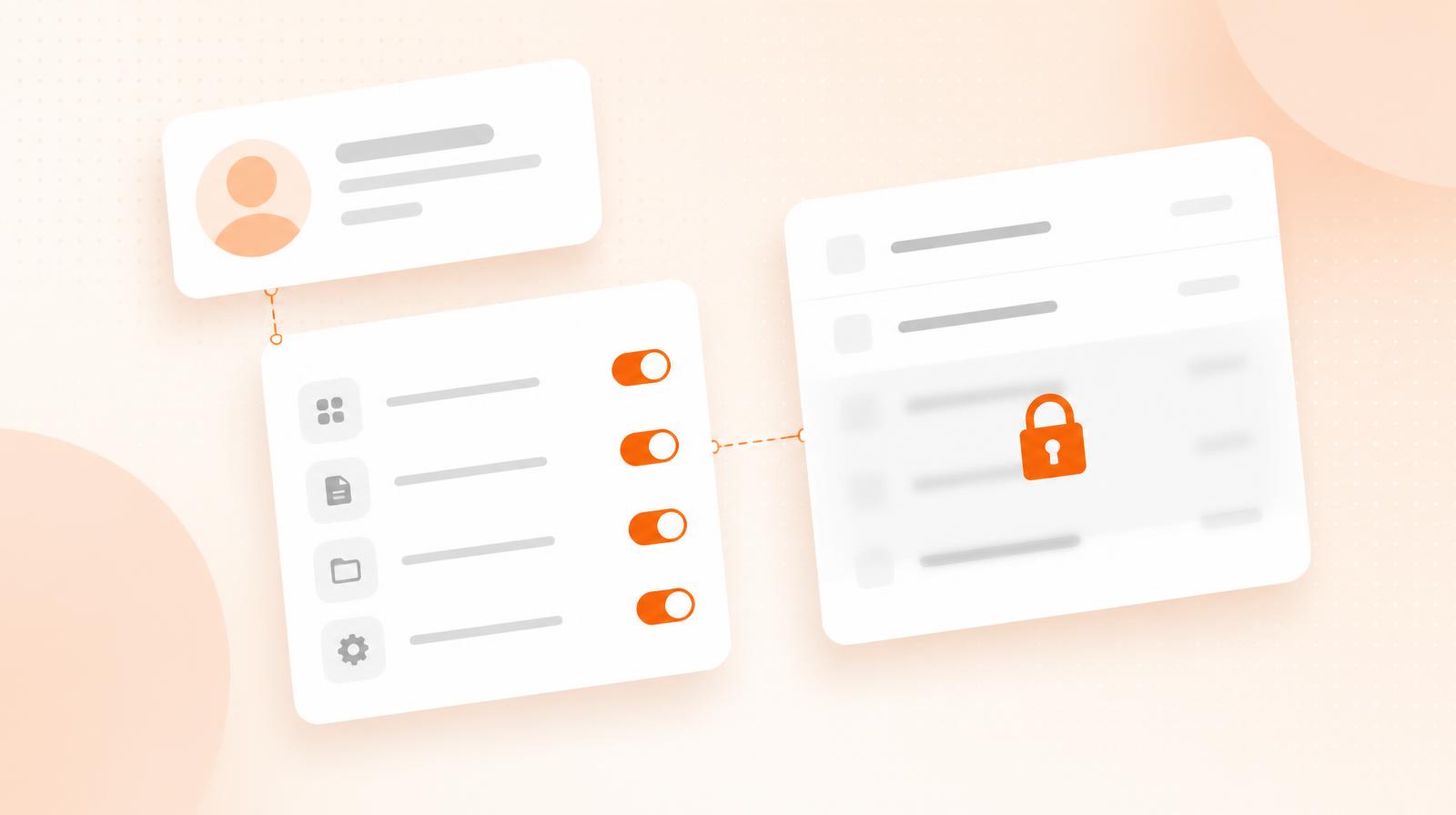
A basic staff role sees their jobs and their customers. An admin role sees pricing, reporting, and invoicing. You choose which one applies when you add someone, and it stays that way until you change it. No spreadsheet of who can see what, no manually hiding numbers on a printed job sheet.
The 90-day trust ladder
If you want a simple rule of thumb rather than deciding case by case, try staging access over their first three months.
Weeks 5–12: Add historical job notes for their own customers, so they can spot recurring issues and follow up properly.
Month 3 onward: If they've proven reliable, consider widening to pricing visibility or invoice adjustments — but only for the parts of the job they've actually earned trust in.
This isn't about distrust. It's the same reason you wouldn't hand a new hire the keys to your van before they've shown you they can drive it responsibly. Access is earned the same way trust is: gradually, and on a timeline you control.
What to do this week
If you're about to make your first hire, don't wait until they've started to think about access. Decide now what "day one" actually includes, and write it down so it's consistent for whoever you hire next.
If you've already got staff who can see more than they should, it's not too late to fix it. Most booking software lets you change roles retroactively — it just takes someone deciding to do it.
Either way, the goal is the same: your team should have exactly what they need to do great work for your customers, and nothing more than that until they've earned it.