
How to run a site visit that wins the job, not just the quote
A site visit is the best sales meeting you'll ever get. Here's how to prepare, what to capture on site, and how to turn it into a quote that gets accepted.
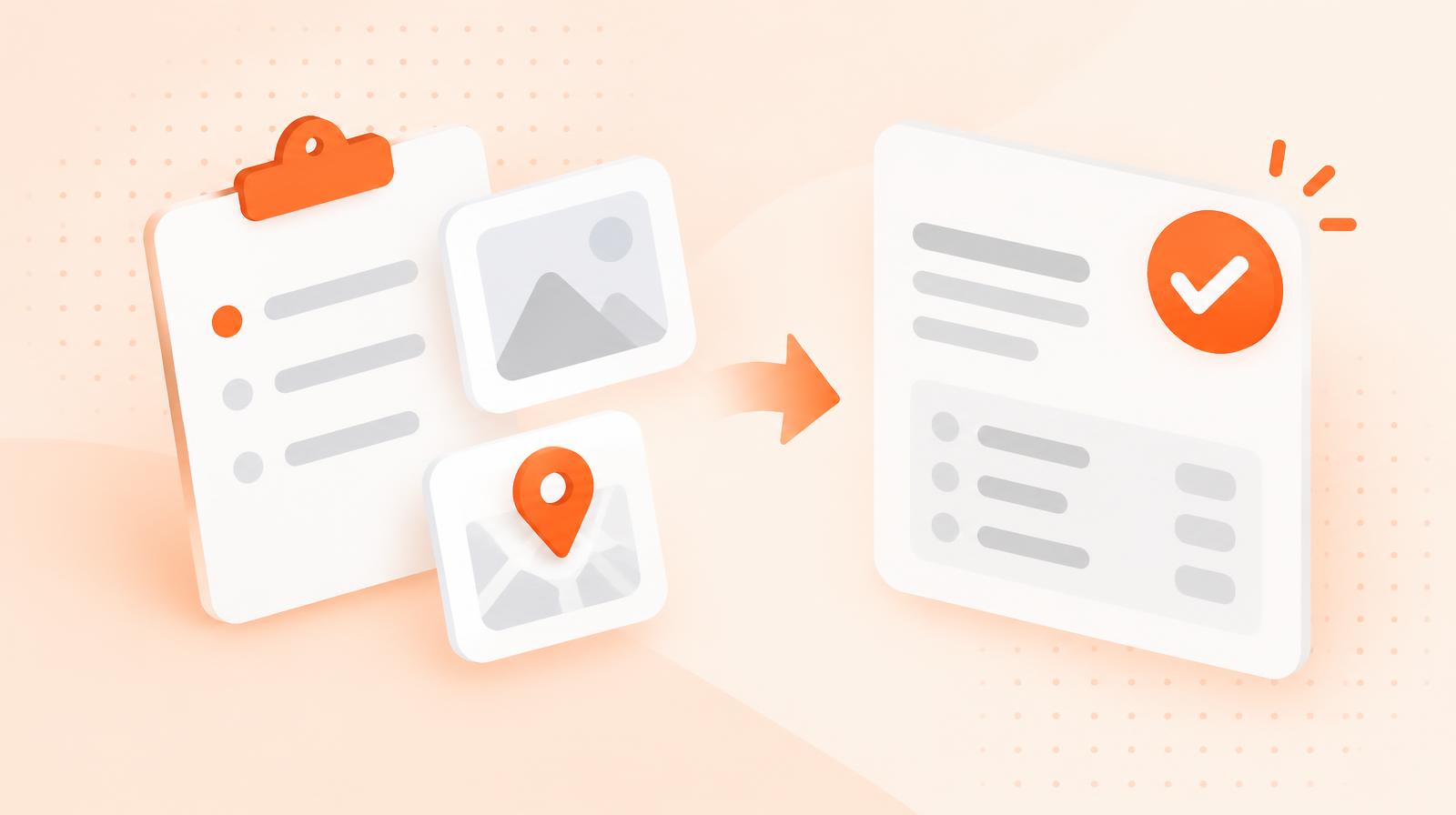
Most owners treat a site visit as a measuring job. Turn up, look around, take a few notes, head off to price it later.
But think about what's actually happening. A customer has let you onto their property, walked you round, and told you exactly what's bothering them. That's the best sales meeting you'll ever get, and it's free.
The quote you send afterwards matters. But whether you win the job is usually decided in the 20 minutes you spend on site, and in how quickly you follow it up.
Here's how to make those 20 minutes count.
The visit starts before you get there
The customer is judging you from the moment they book. Did someone confirm the time? Do they know who's coming? Did you turn up when you said you would?
None of that is about your skill. It's about whether you seem like someone who'll show up on the day of the actual job. For a lot of customers, that's the main thing they're worried about.
So before every visit:
- Send a confirmation with the date, time window and who's coming. Automatic booking confirmations and reminders mean you don't have to remember.
- Read what they've already told you. If they filled in an enquiry form, don't make them repeat it.
- Look at the property online if it helps. Section size, access, roof height. Five minutes on a map saves you questions on site.
- Block enough time. A rushed visit feels like a rushed job.
Ask why now, not just what
"What do you need done?" gets you the scope. "What's made you want to sort this out now?" gets you the reason, and the reason is what wins the job.
The answers are usually things like:
- They're selling the house and need it looking good for photos.
- Family are coming for Christmas.
- The last person they used stopped turning up.
- They've just moved in and don't know where to start.
Each one changes what matters in your quote. The seller cares about the date. The person burned by their last provider cares about reliability. The new owner wants someone to tell them what's important and what can wait.
Write the reason down. Then make sure your quote speaks to it. A line like "Completed by 18 December, before your guests arrive" does more work than any discount.
Capture everything you'll need to price it once
The fastest way to lose momentum is to get back to the van, start pricing, and realise you don't know how big the back section was or whether there's power on the deck.
Treat every visit like you won't be back before the job:
- Photos of every area you're quoting, plus access points, parking and anything awkward.
- Measurements written down, not remembered.
- Notes on access and logistics. Gate codes, dogs, where to park, where water and power are.
- What the customer said they wanted, in their own words.
Capture it on your phone, not a notepad. With site visits in Taskly, notes and photos save straight to the booking, and site notes like gate codes stay with the customer's address for next time.
Those notes aren't just for the quote. They're the job sheet for whoever does the work. If your crew turns up knowing about the dog and the side gate, the customer feels like they're dealing with a business that listens.
Keep job photos with the customer, not in your camera roll
Photos and notes from the visit are saved to the booking, so the quote and the job sheet come from the same place.
Send the quote the same day
Here's where most site visits are lost. You had a great conversation, the customer liked you, and then the quote arrives four days later, after two other businesses have already sent theirs.
Speed matters more than most owners think. The best-known research on this comes from online sales leads, not site visits, but the principle carries over.
A customer who's just walked you round their property is about as warm as a lead gets. Send the quote that afternoon, or that evening at the latest. If you've captured the photos and notes properly, it should take minutes, not an evening at the kitchen table.
Schedule site visits and turn them into quotes in Taskly
Book the visit from the enquiry, add notes and photos on site, then send the quote from the same place.
Make the quote reflect the visit
A quote that could have been written without visiting the property wastes the visit. Use what you learned:
- Name the reason they gave you. "Ready before your open home on the 24th."
- Reference what you saw. "Includes clearing the overgrown bed along the back fence."
- Spell out what's included and what isn't, so there are no surprises on the day.
- Make accepting easy. One link to accept online beats "let me know if you want to go ahead". Taskly quotes can be sent by text and accepted online, and an accepted quote becomes a confirmed booking.
The customer should read it and think "they were actually listening". That feeling is what separates your quote from the cheaper one sitting next to it.
Follow up once, then let it go
If you haven't heard back in two or three days, follow up once. Keep it short and useful: "Just checking you got the quote. Happy to adjust the timing if the 18th doesn't suit."
One follow-up is service. Five is pressure. If they go quiet after that, file the notes and photos. When they come back in six months, you'll already know the property.
What to do this week
Look at your last five site visits and ask three questions. How long did the quote take to go out? Did it mention anything specific to that customer? Did you follow up?
If the answers are "a few days", "not really" and "no", you've found the easiest win in your business. You don't need more leads. You need to convert the visits you're already doing.
Start with the next one. Confirm it in writing, ask why now, photograph everything and send the quote before dinner.
Keep reading

quoting
Why your quotes are dying in someone's inbox
Most lost jobs aren't lost on price. They're lost in the three days after you sent the quote and never followed up. Here's a cadence that fixes it.
quoting
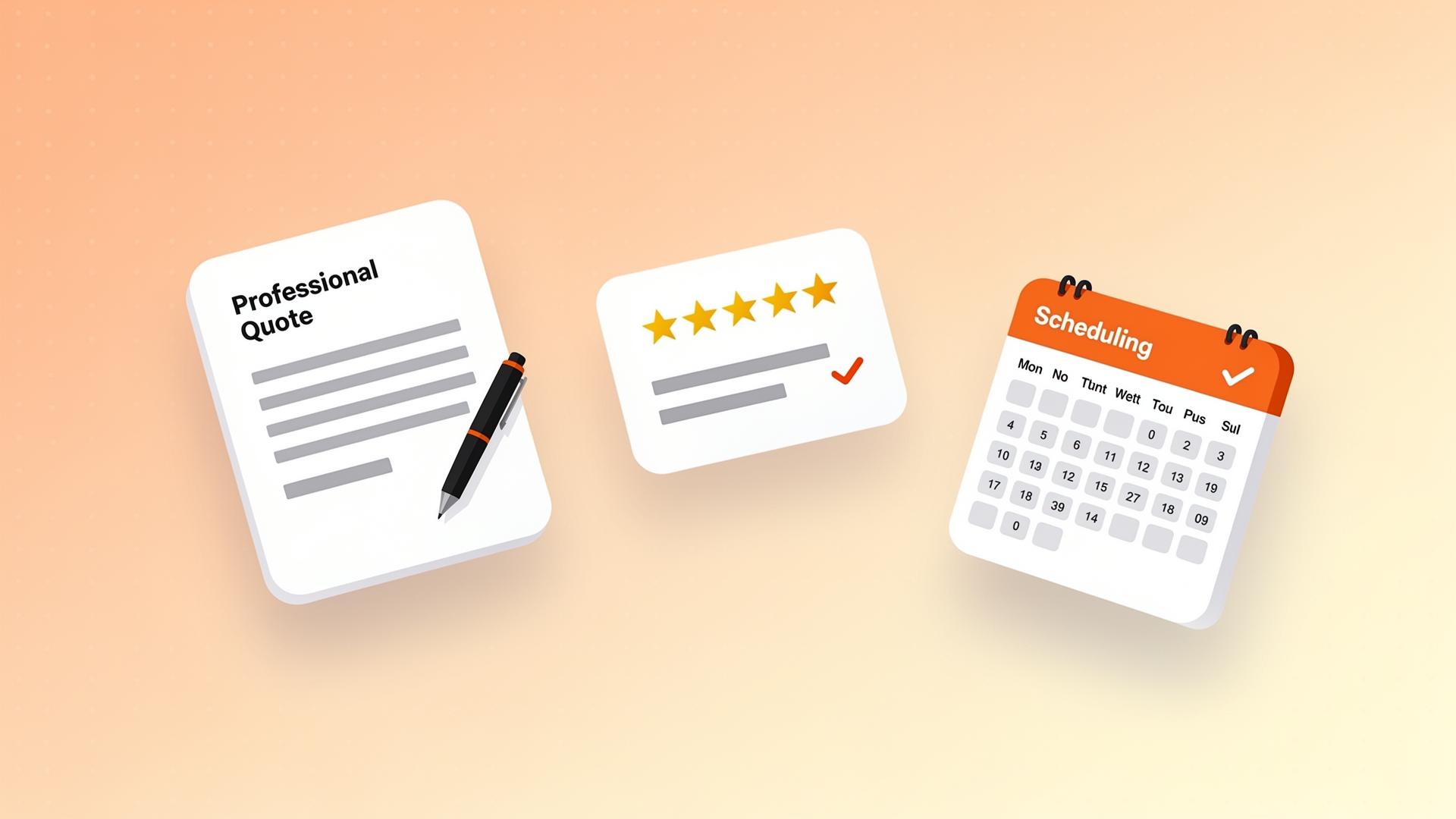
How to write a winning service quote
A step-by-step guide to writing service quotes that build trust, show value, and convert more leads into paying customers.
multi-site clients
Managing Multi-Property Clients Without Doubling Your Admin
Land a client with multiple sites and your admin doesn't have to multiply with it. Here's how to quote, schedule, and invoice it as one account.